🔒 Photos processed in memory on our server
Photo to Coloring Page
Turn a photo of your kids, your pet or a family day out into a printable coloring page — bold outlines, no shading, big open spaces for crayons.
Your photo is processed in memory and discarded right after conversion. How we protect your photos
From photo to coloring page
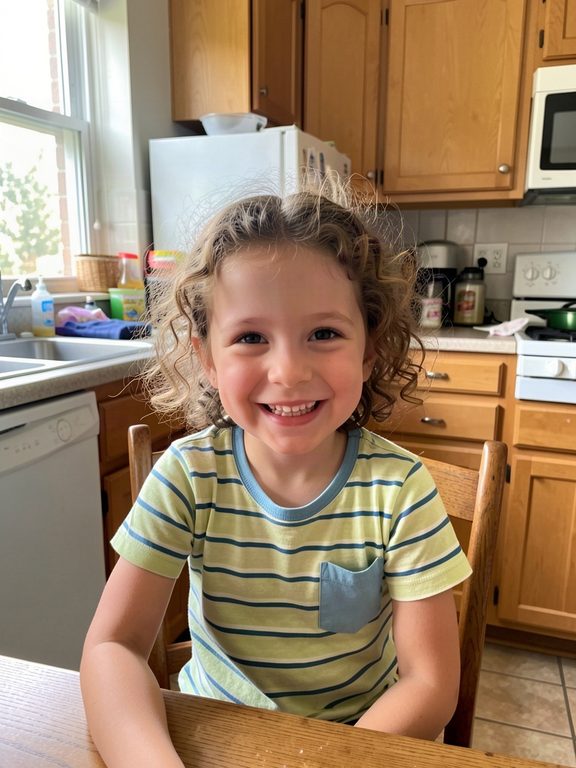
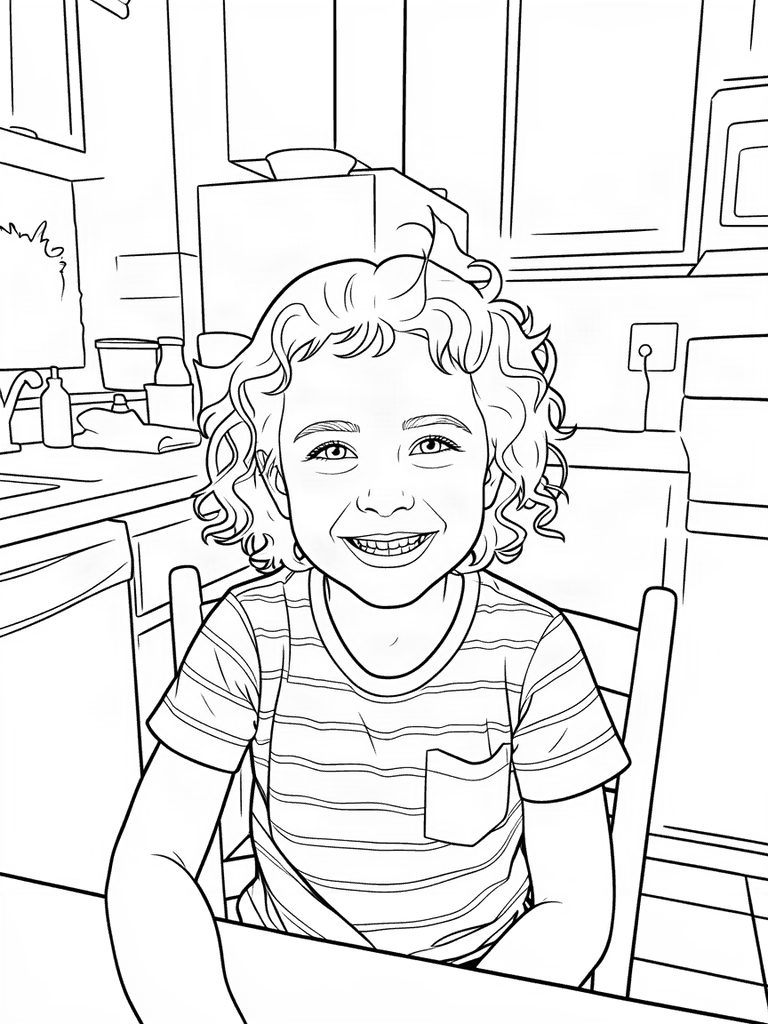
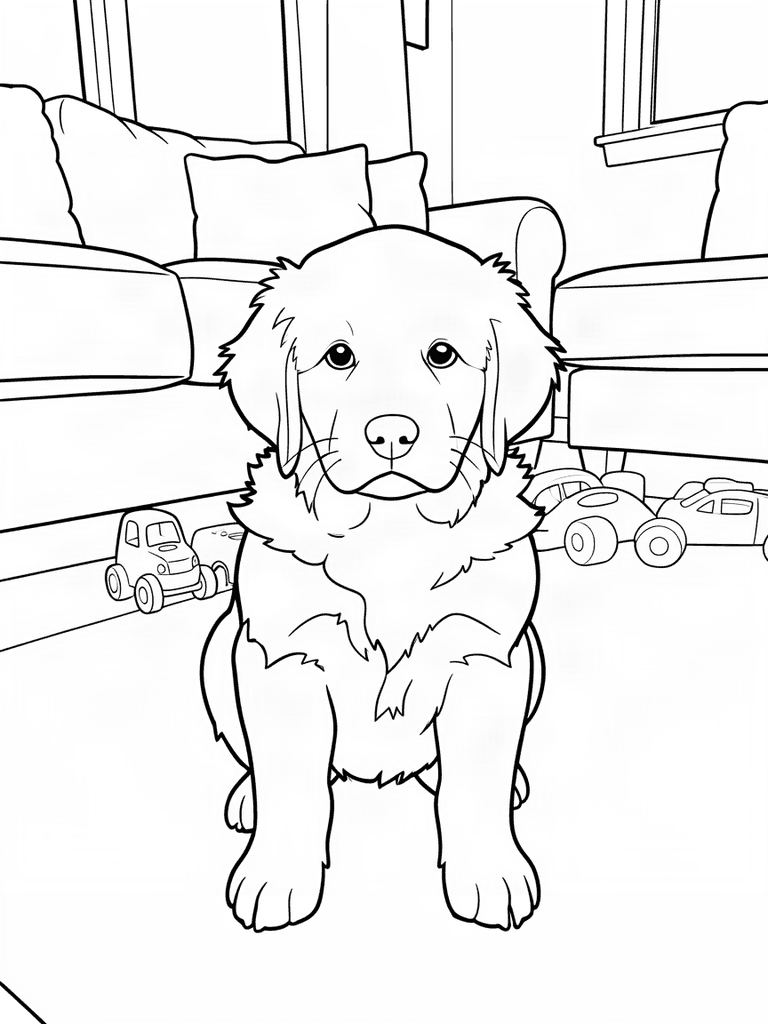
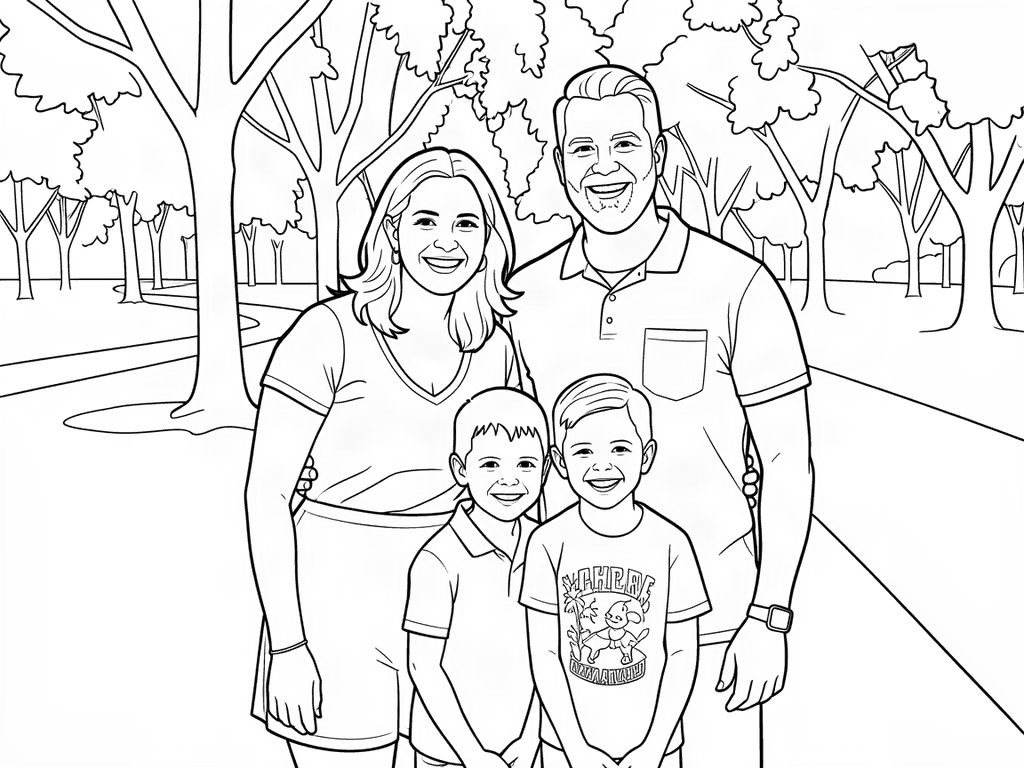
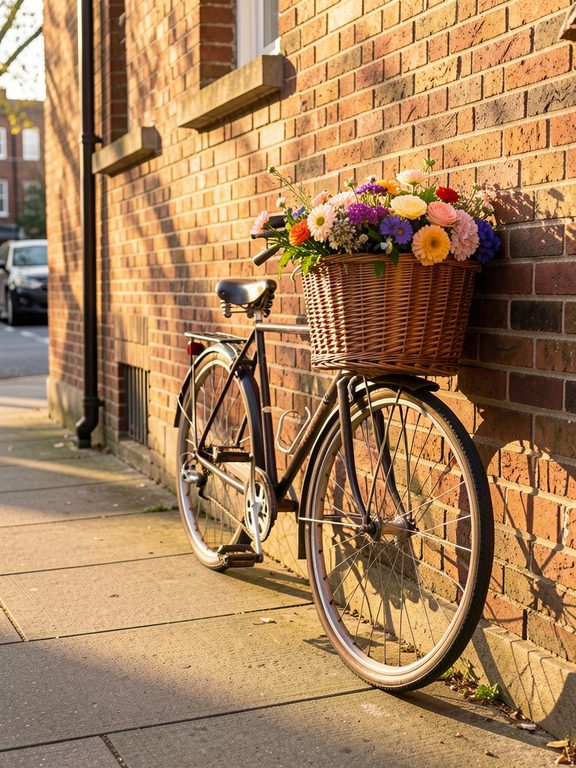
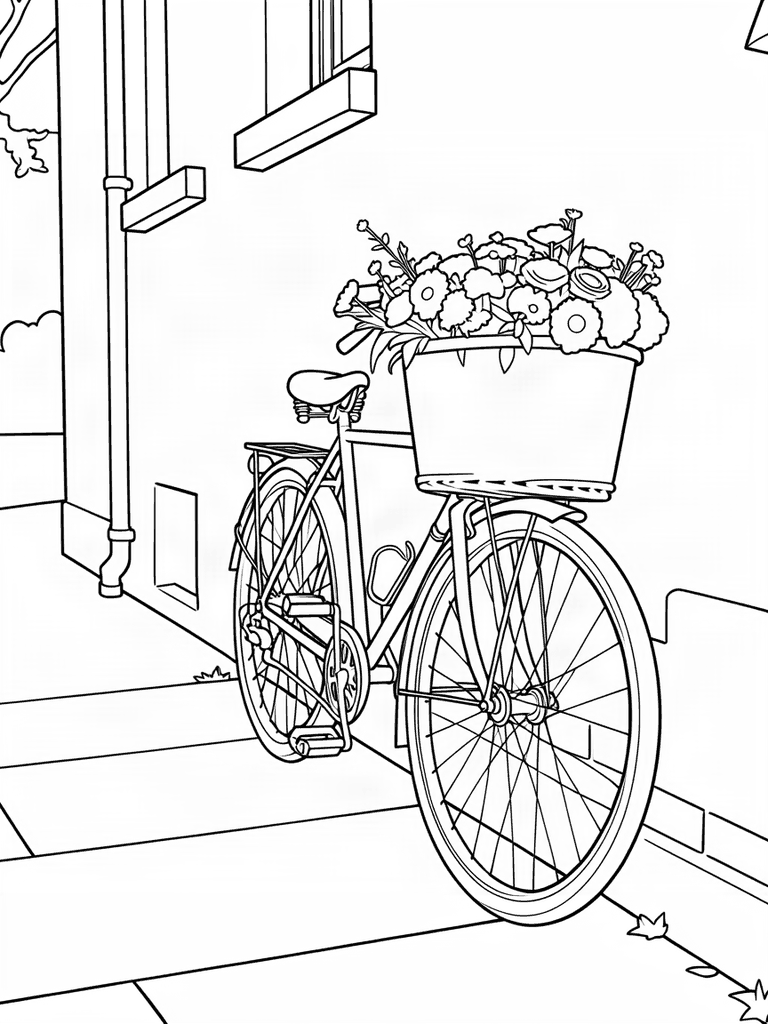
Real results from the converter. The example photos were made with AI, so no real people are shown.


How it works
1. Upload a photo
Pick a clear photo from your phone or computer — JPG, PNG and WebP all work.
2. We draw the outlines
Our AI traces people, pets and things into bold black lines and turns busy backgrounds into big, simple shapes.
3. Download and print
Save your page as a PNG or print it right away on US Letter or A4 paper.
🔒 How we handle your photos
- Your photo is processed only in memory and discarded the moment your coloring page is ready.
- We do not write your photo or its converted page to disk, save them in a database or add them to a gallery — the finished page goes straight back to your browser.
- Your browser shrinks the photo before uploading it, which also removes hidden details such as GPS location.
- We send your photo to fal.ai with request-history storage disabled and ask for the result inline rather than as a hosted file.
- We use automated safety screening and conversion, without a manual photo-review step or a face-recognition feature in our workflow.
Why color your own photos?
Kids light up when the coloring page is them: their birthday, their dog, their trip to the beach. A photo coloring page makes a personal party activity, a thank-you card for grandparents, or a quiet-time page starring the family pet.
Tips for the best pages
- One clear subject, close up — faces and pets work best when they fill most of the frame.
- Good light — daylight photos give cleaner lines than dark or blurry shots.
- A simple background — every detail behind your subject becomes another shape to color.
- Small groups — two to five people turn out well; crop big group shots to the people who matter.
No photo handy? Describe any idea instead.
Try the AI generator →Photo to Coloring Page FAQ
How do I turn a photo into a coloring page?
Tick the box to confirm you can use the photo, choose a photo (or drop it onto the upload box) and wait a few seconds. CrayonColoring traces it into clean black outlines on a white background. Then download the PNG or print it straight away.
Is the photo to coloring page converter free?
You can try it with 8 one-time guest credits, no sign-up needed. Signing in provides an additional, separate 20-credit promotional bonus per account. Neither allowance refreshes monthly, signing in again does not grant another bonus, and unused guest credits do not transfer to your account. Both allowances can be used in either AI tool. Each photo costs 2 credits and makes one page; a text generation costs 4 credits and makes four designs. Pages made with promotional free credits, including the sign-in bonus, contain a watermark. Pages made with subscription or purchased pack credits are watermark-free; buying later does not remove an existing free output's watermark. The pre-made gallery is free to download and print without spending credits.
Do you keep my photos?
We process your photo in memory on our server and do not save the photo or its converted page to disk, a database or a gallery. We send the photo to fal.ai for safety screening and conversion, with request-history storage disabled and an inline result requested. The finished page goes back to your browser, so download it before leaving. See our Privacy Policy for details about third-party processing.
Can I make coloring pages from photos of my children?
Yes, as long as you have the right to use the photo — for example, your own photos of your family. If other people are in the picture, make sure they (or their parent or guardian) are happy for you to use it. Photos with inappropriate content are blocked automatically.
What kind of photos work best?
Clear, well-lit photos with one main subject: a child's portrait, a pet, a favorite toy or a small family group. Very dark, blurry or crowded photos give busier pages with more tiny shapes.
Which file types can I upload?
JPG, PNG and WebP, up to 25 MB. iPhone HEIC photos can't be opened in most browsers: set Settings › Camera › Formats to “Most Compatible”, or take a screenshot of the photo and upload that. Uploading from an iPhone in Safari usually converts the photo to JPG automatically.
Can I print the coloring page?
Yes. Pages fit US Letter and A4 paper. Use the Print button right after converting, or download the PNG and print it whenever you like.